How your details arrive
By hand, to the contact you gave us — usually over WhatsApp. Nothing is automated, so if you have not heard from us, message us at contact rather than waiting.
What happens after you order, and what to do if something will not play.
10 guides shown
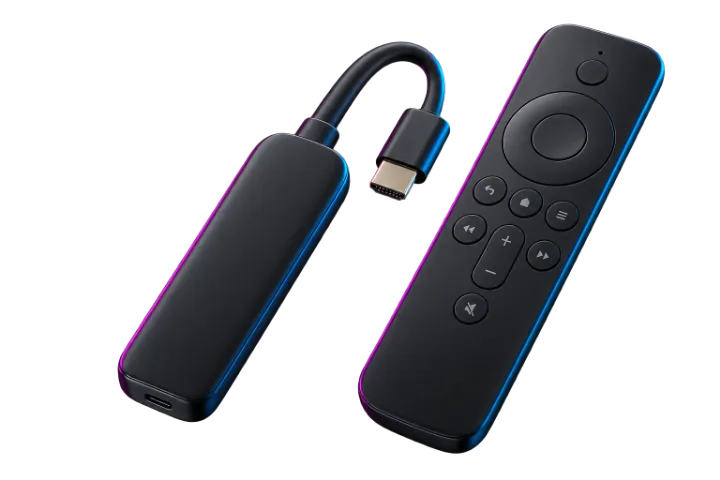
Fire TV, Fire TV 4K, Fire TV Cube
IPTV Smarters about 4 min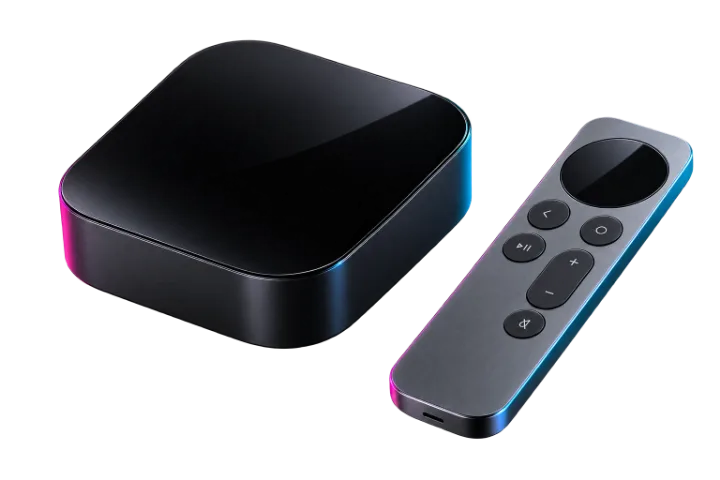
Apple TV 4K, Apple TV HD, tvOS
IPTV Smarters about 5 min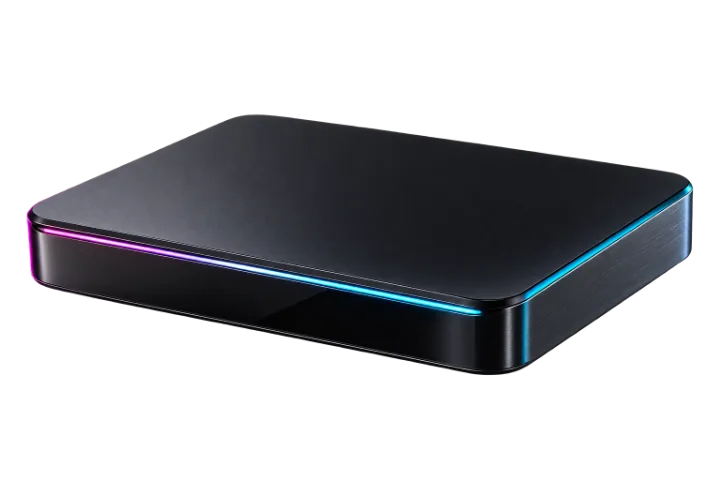
Formuler Z11, Z10, Z8
MYTVOnline about 5 min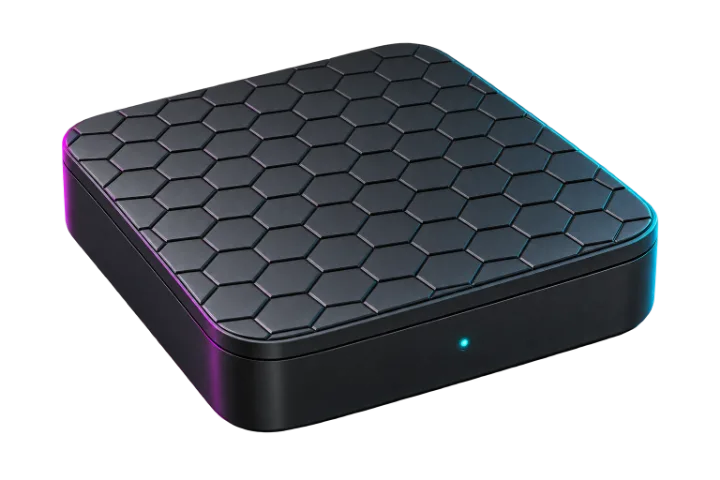
BuzzTV XR, XRS, Essential
IPTV Smarters about 5 min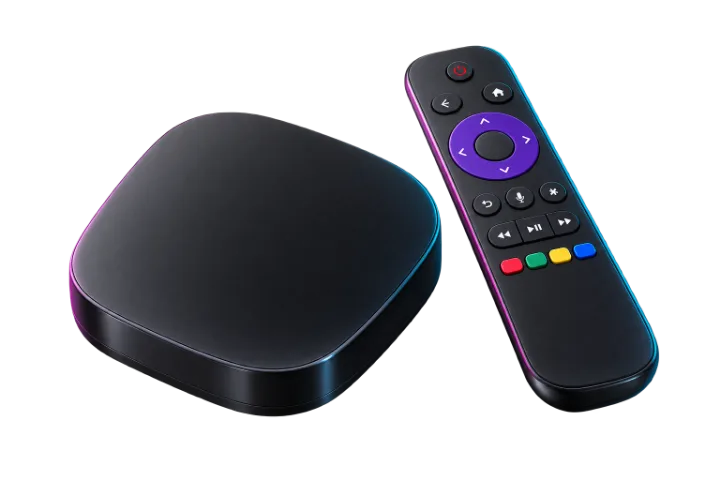
Roku Stick, Roku Express, Roku TV
Screen mirroring about 5 min
Tizen and webOS smart TVs
IBO Player about 6 min
Chromecast, Nvidia Shield, Xiaomi, Sony
TiviMate about 4 min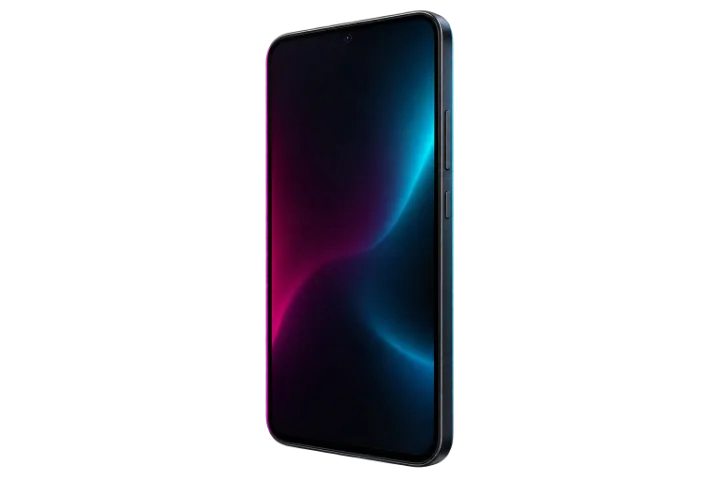
Samsung, Pixel, Xiaomi, Android tablets
IPTV Smarters about 3 min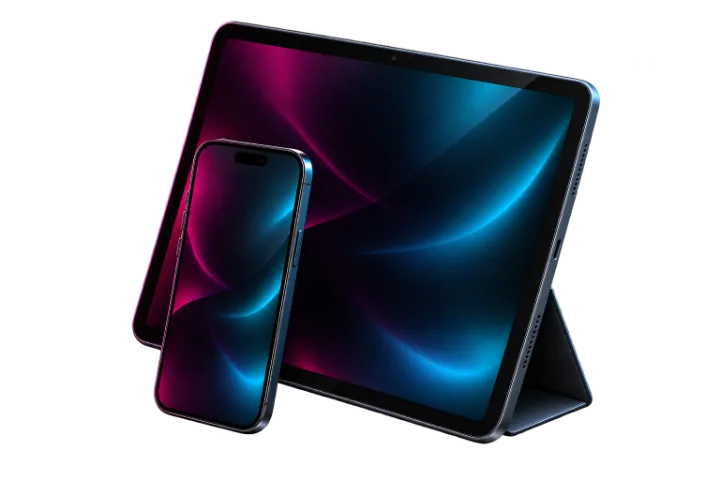
iOS 15 and later, iPadOS
IPTV Smarters about 3 min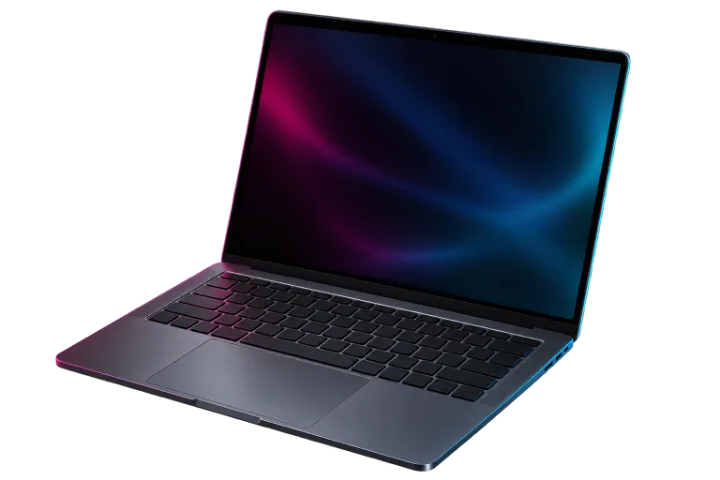
Windows 10, Windows 11, macOS
VLC about 3 minRoku: Roku has no player app, so this one runs through a phone. If you are buying a device for this, buy any other one on this page.
By hand, to the contact you gave us — usually over WhatsApp. Nothing is automated, so if you have not heard from us, message us at contact rather than waiting.
The device you want to watch on, an internet connection that can carry video, and the details we send you. Ask us before you order if you are not sure your device is supported — we would rather answer than refund.
Message us on Live chat and email with the device and what you are seeing on screen. We answer 24/7, usually under 30 minutes.
Ask before you buy. Tell us what you own and we will tell you whether it works — a better answer than any list on a page.
We answer 24/7, usually under 30 minutes.